Case study / 02
The Penguin
Witness camera · HBO
- Client
- HBO
- Tool
- Apollo working name
- VFX Supervisor
- Johnny Han
- Role
- iOS application · design & development, solo
- Rig
- Up to 14 × iPhone 13 Pro, driven from one iPad Pro
- Stack
- Swift · SwiftUI · AVFoundation · Multipeer Connectivity
- Brief to set
- Under two months
- Year
- 2023
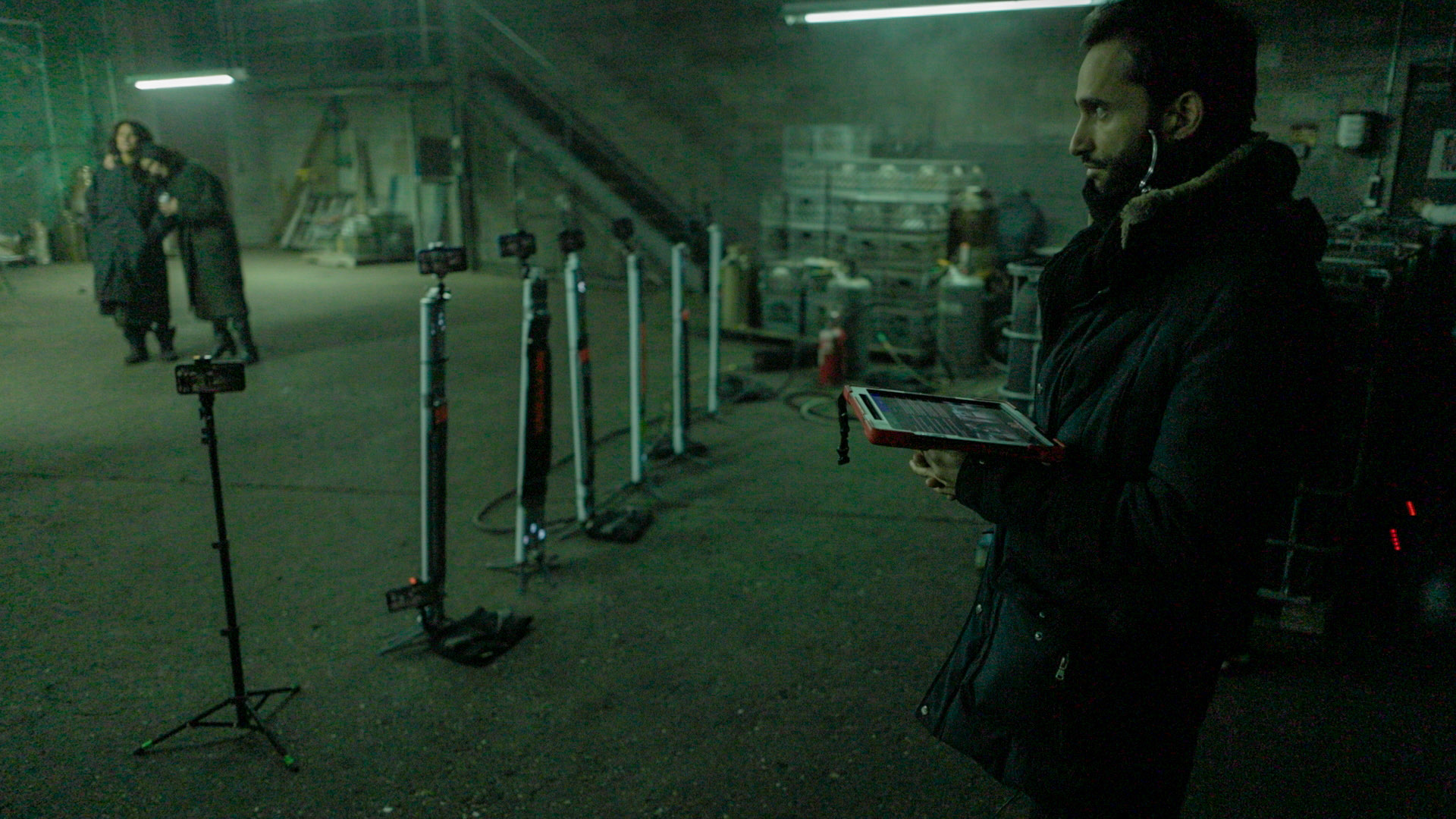
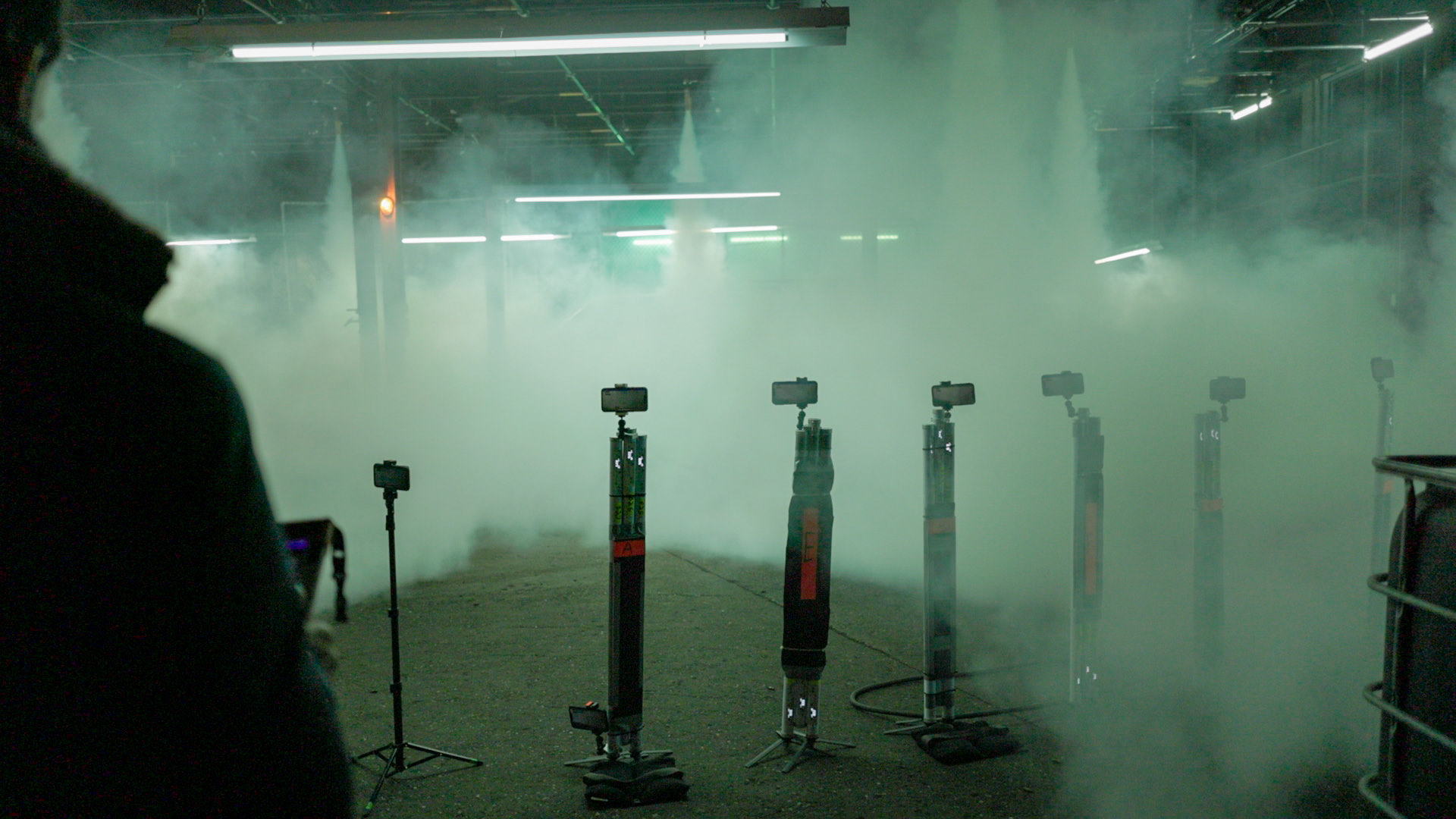
Fourteen iPhones, one iPad, no cards to wrangle. Apollo is a witness camera system where one person arms every camera, watches every battery, and walks away at wrap with files already named and already delivered.
The brief
In January 2023 the VFX supervisor on HBO's The Penguin got in touch. He wanted the witness camera process to stop being a chore. Those are the extra cameras VFX runs alongside the main unit, so there is reference for tracking and cleanup later.
The two conventional options both cost the production something. A GoPro has no screen, so there is no way to see the battery: if it dies mid-take, the data is simply gone. A DSLR needs a person standing behind it, pressing record and resume on every setup. Either way, at the end of a long day someone pulls the cards, matches every clip to its slate and renames the files by hand.
What Apollo does
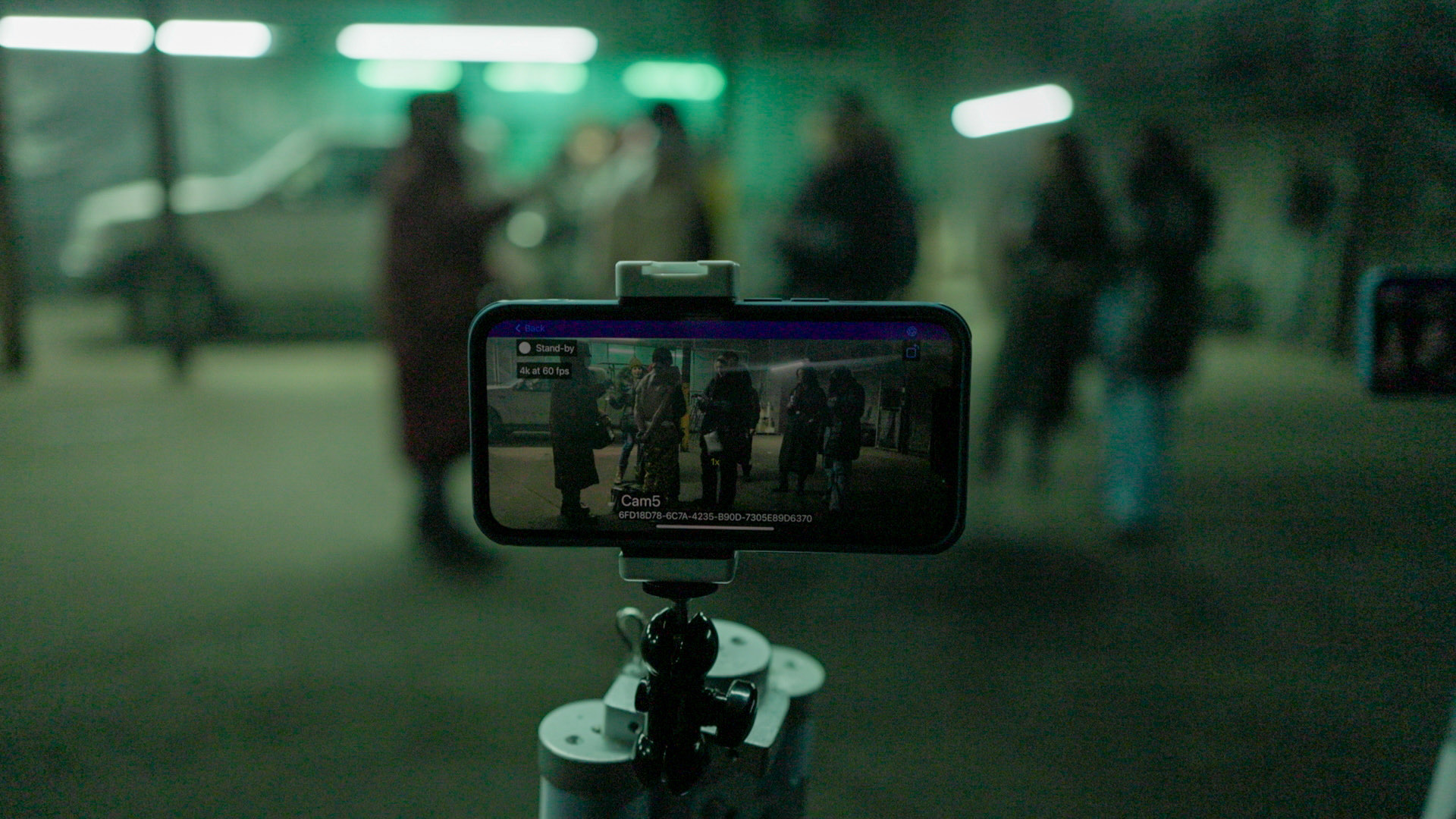
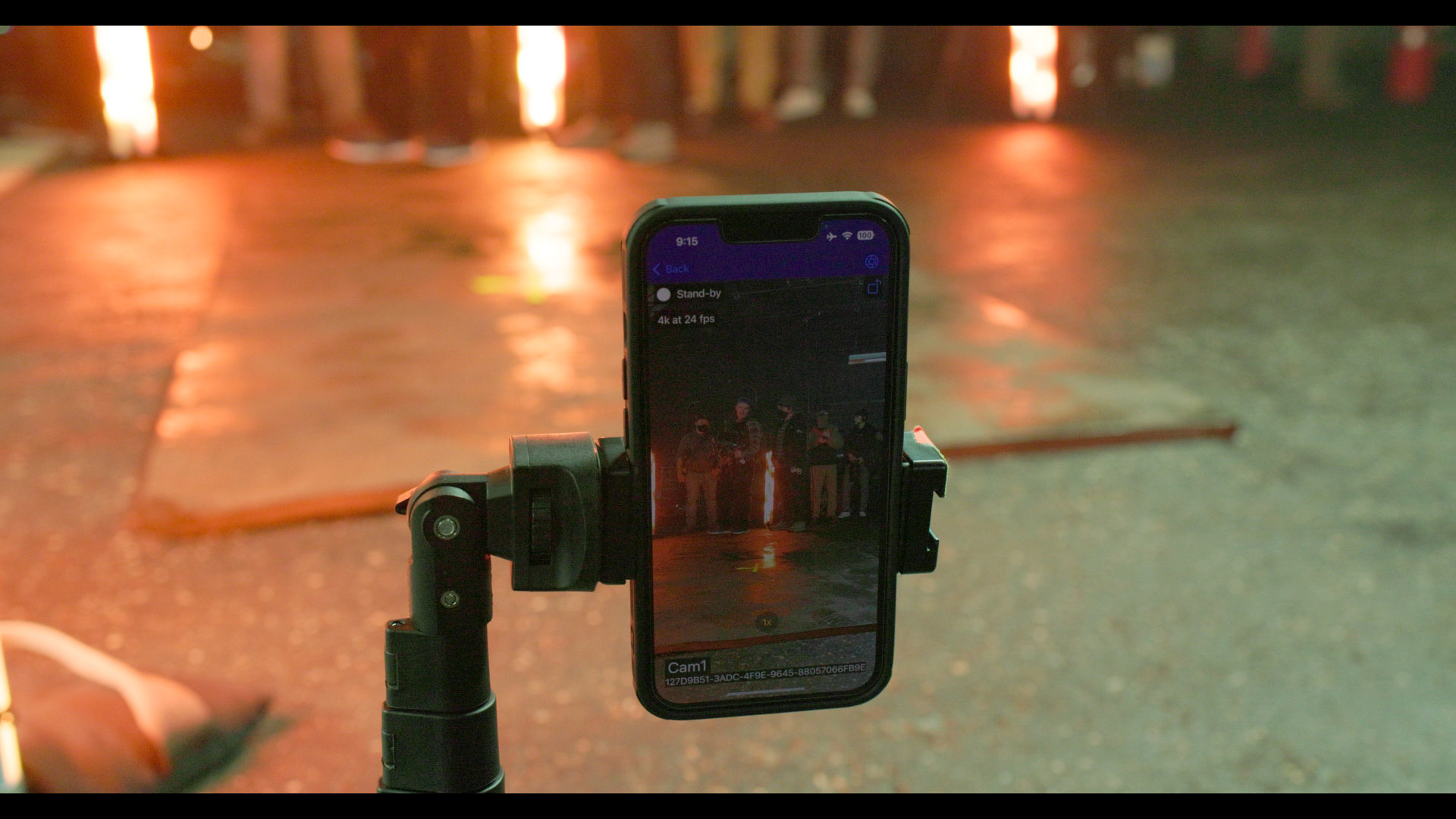
We landed on iPhones, and I built the app that drives them. Apollo runs on up to fourteen of them at once, every one controlled from a single iPad.
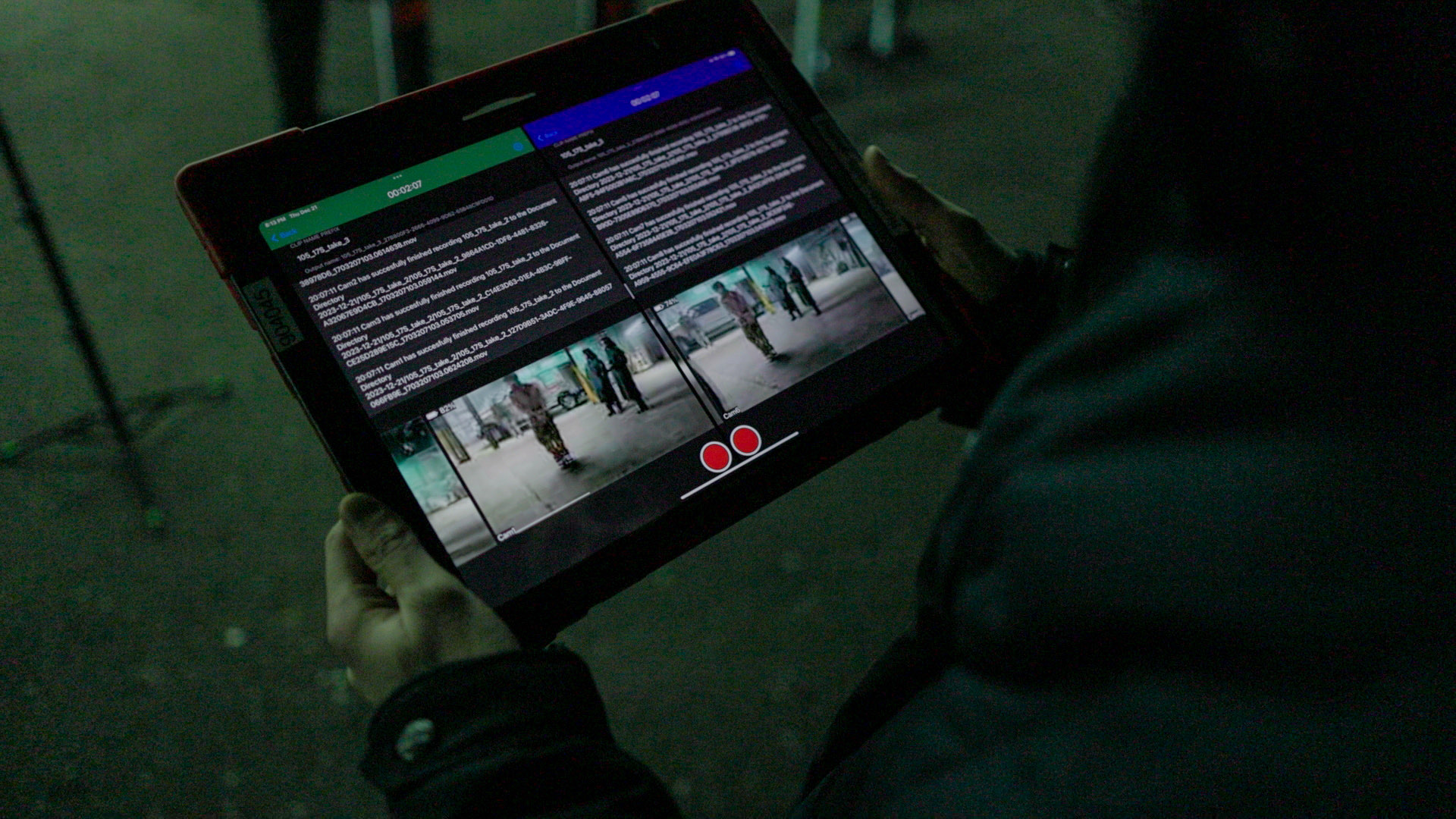
From that iPad you arm and stop every camera at once, watch the battery on each, set the lens and the frame rate, which on an iPhone goes to 4K at 240 fps, and give the recording the slate name before it exists, so no file ever needs renaming afterwards.
The cameras record in sync. Footage lands in the device's photo library and in a designated iCloud folder at the same time, structured and labelled.
On the floor
The iPad talks to the phones over Bluetooth, so the shoot itself needs no production Wi-Fi, no router, no network to beg the video department for. That matters, because on a working set there usually isn't one to spare. Wi-Fi only comes into it at the upload.
iPhones also take a knock better than a DSLR and weigh a fraction as much, so they can be rigged where a full camera body would never have gone.
At wrap you connect to Wi-Fi once, and the files appear in the iCloud folder on the editor's Mac. Nothing is copied, matched or renamed by hand.
Built
I designed and wrote the whole application myself, in Swift and SwiftUI, on AVFoundation for capture and Multipeer Connectivity for the link between iPad and phones. Built against iPhone 13 Pro and an iPad Pro, though nothing in it is tied to those models.
From the first call to running on set: under two months.
How the footage moves
On the floor