Case study / 04
Pixomondo Innovation Lab
An augmented reality app for filmmakers
- Studio
- Pixomondo, Sony Pictures Entertainment
- Group
- Innovation Lab
- Role
- iOS application · design & development
- Devices
- iPhone / iPad with LiDAR
- Started as
- Unreal Engine · Blueprint · C++ · Objective-C bridges
- Rebuilt as
- Swift · SwiftUI · Liquid Glass · ARKit 6 · RealityKit · Reality Composer Pro
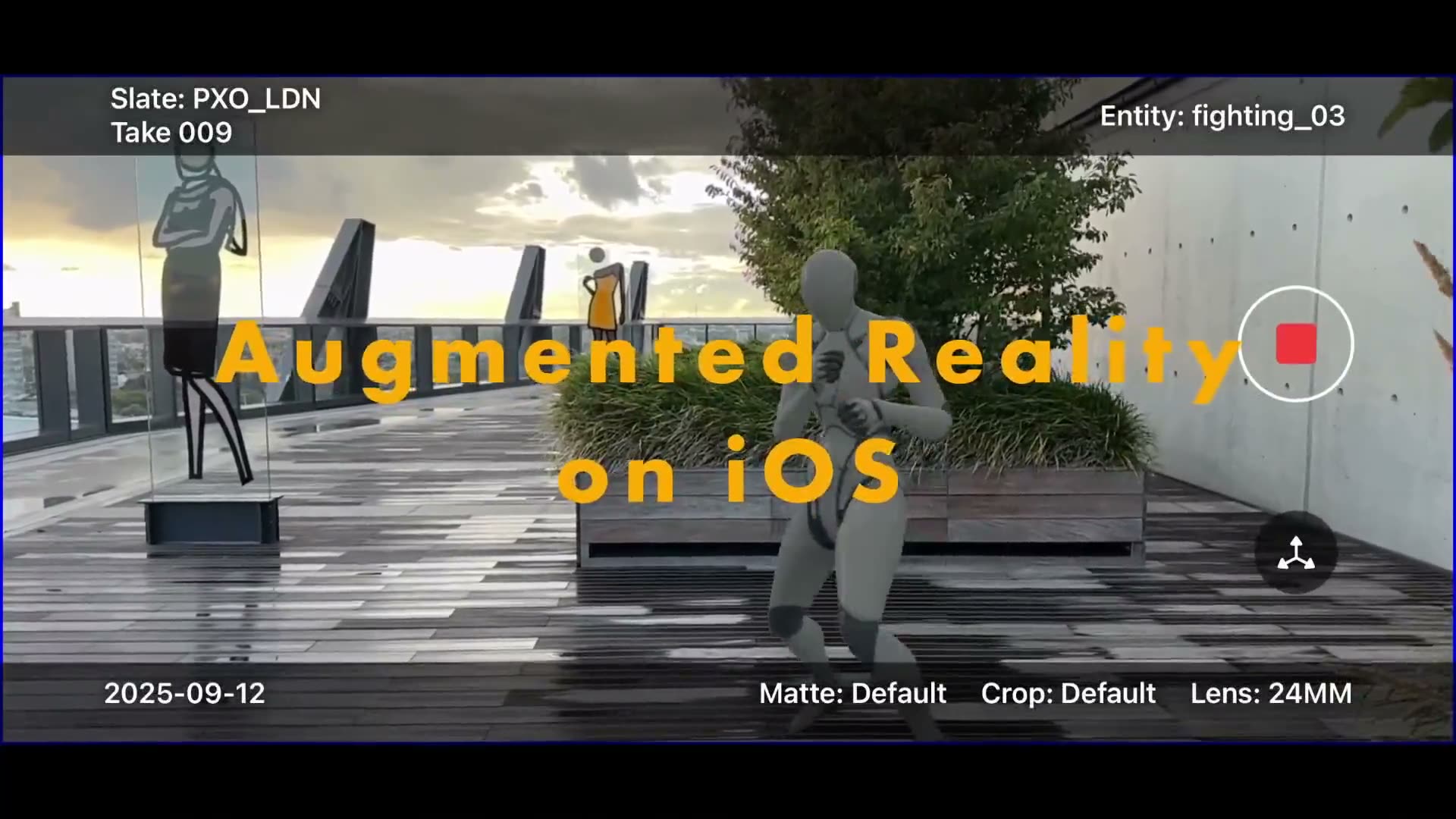
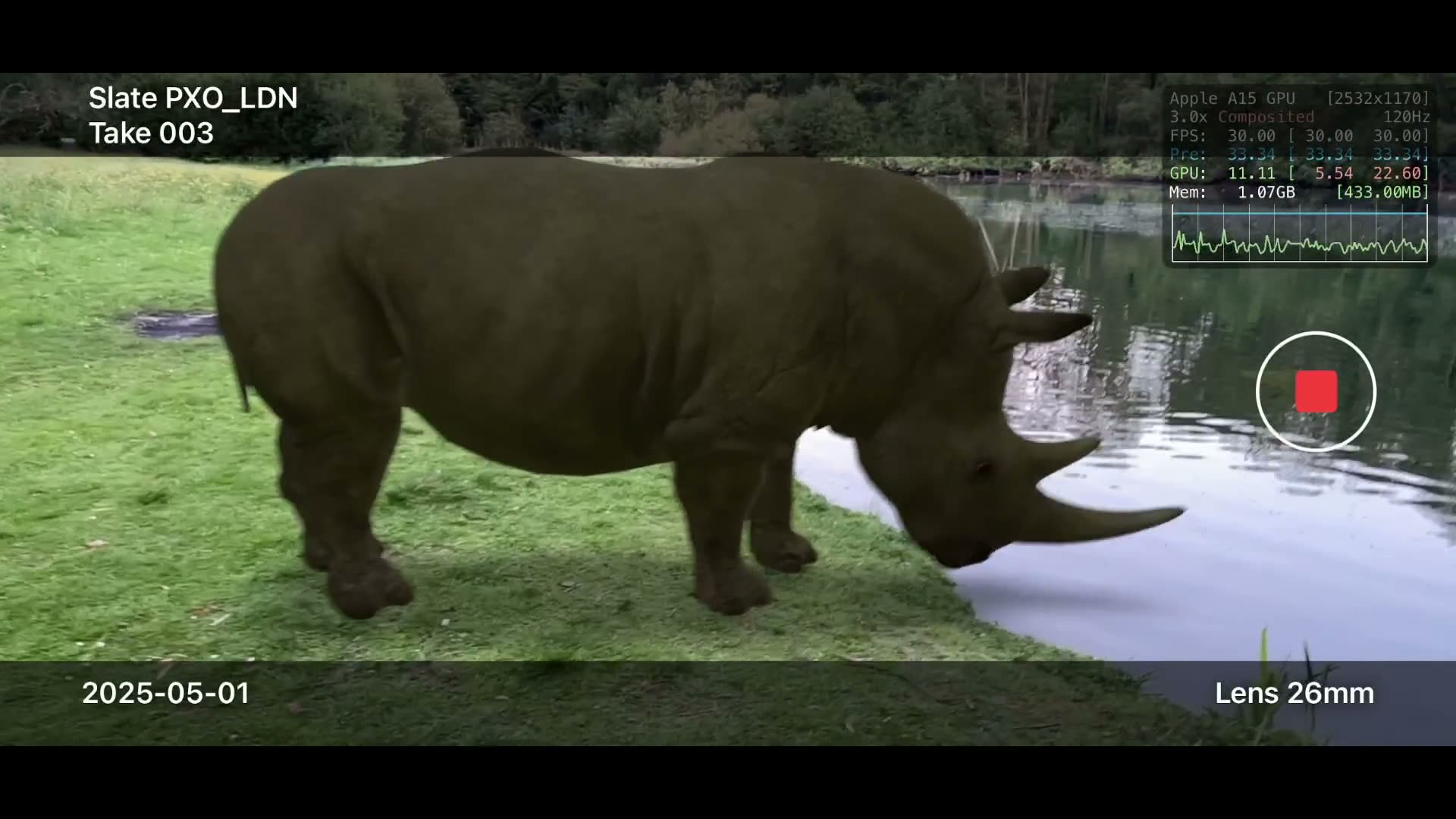
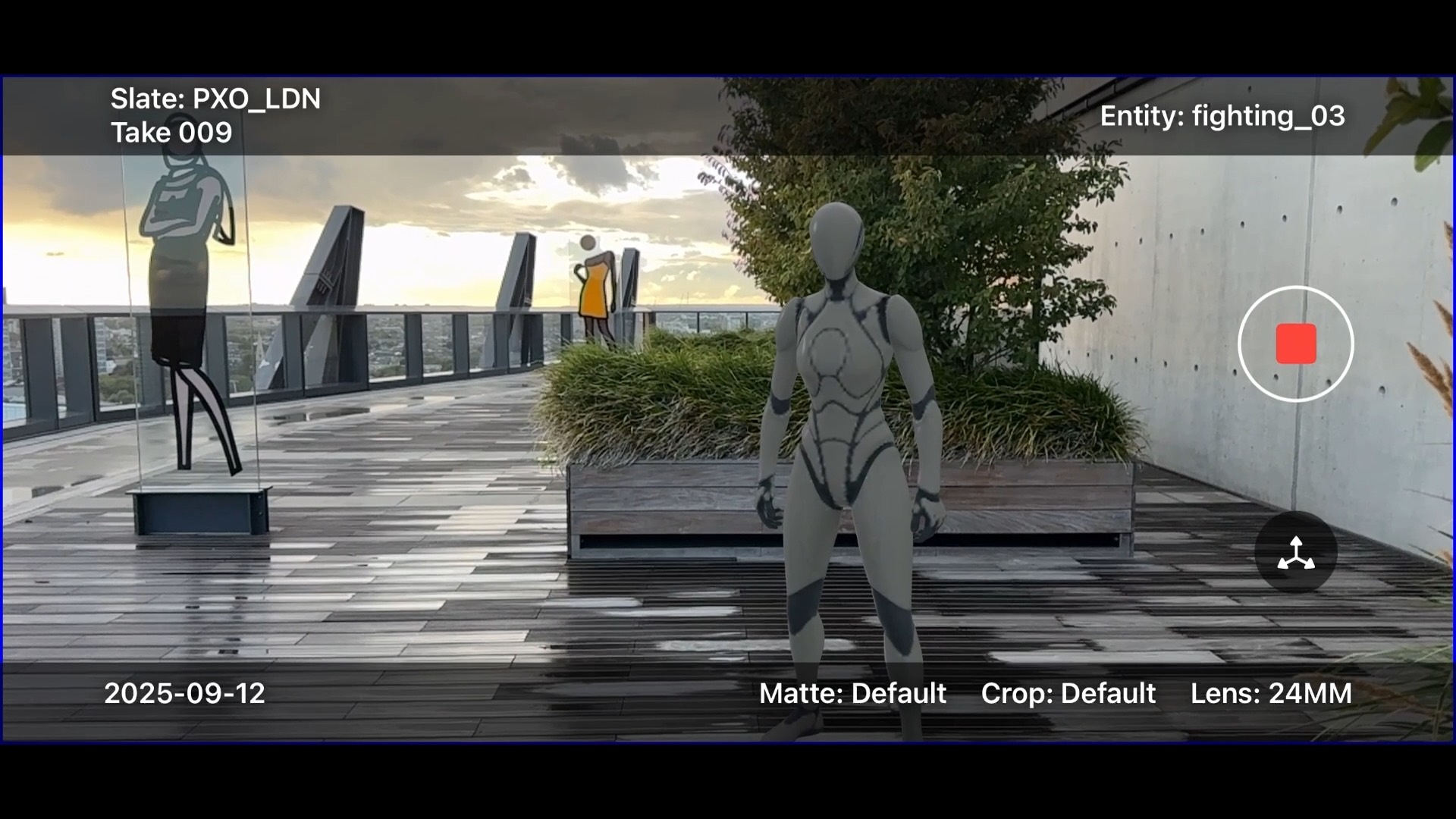
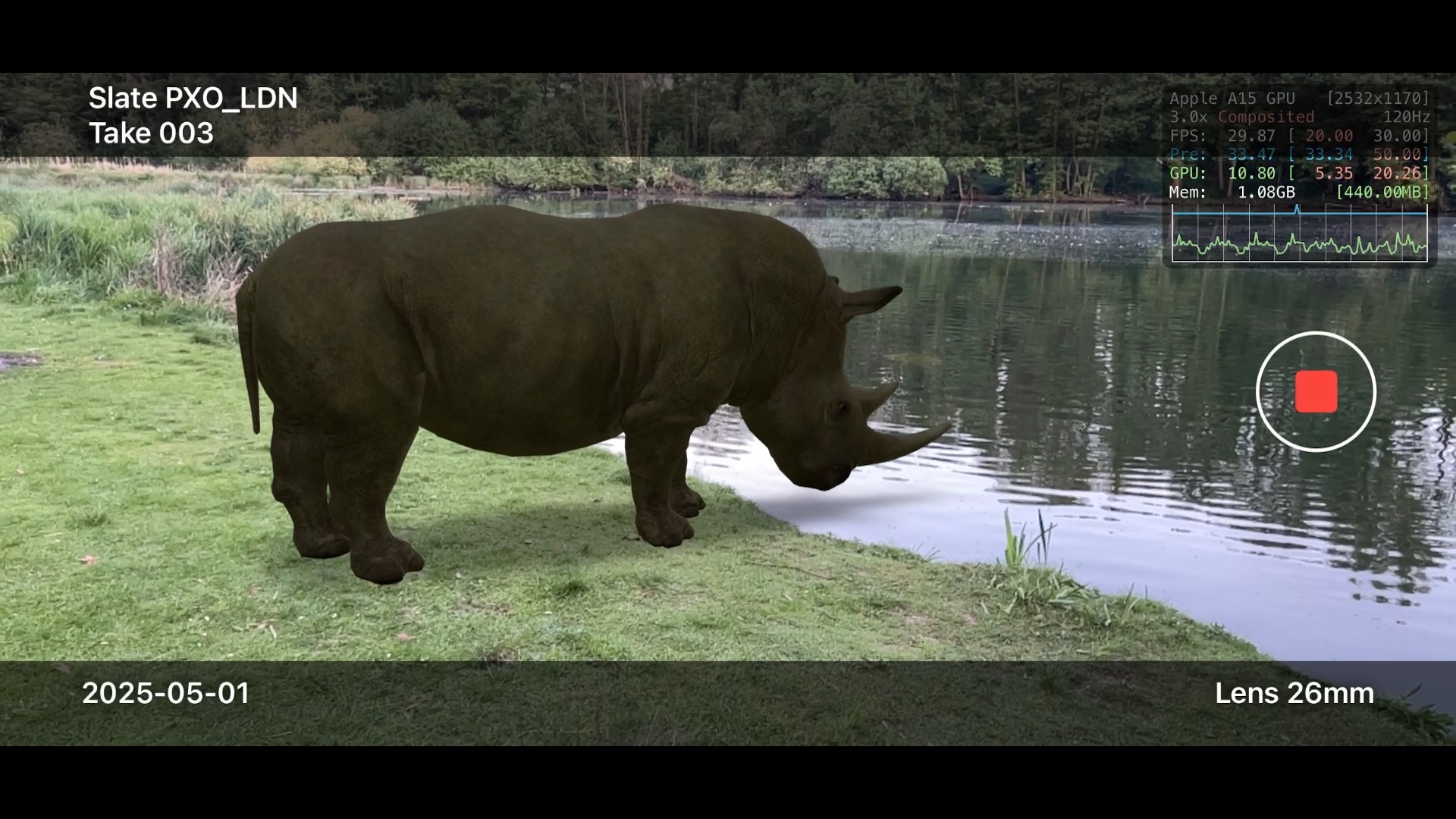
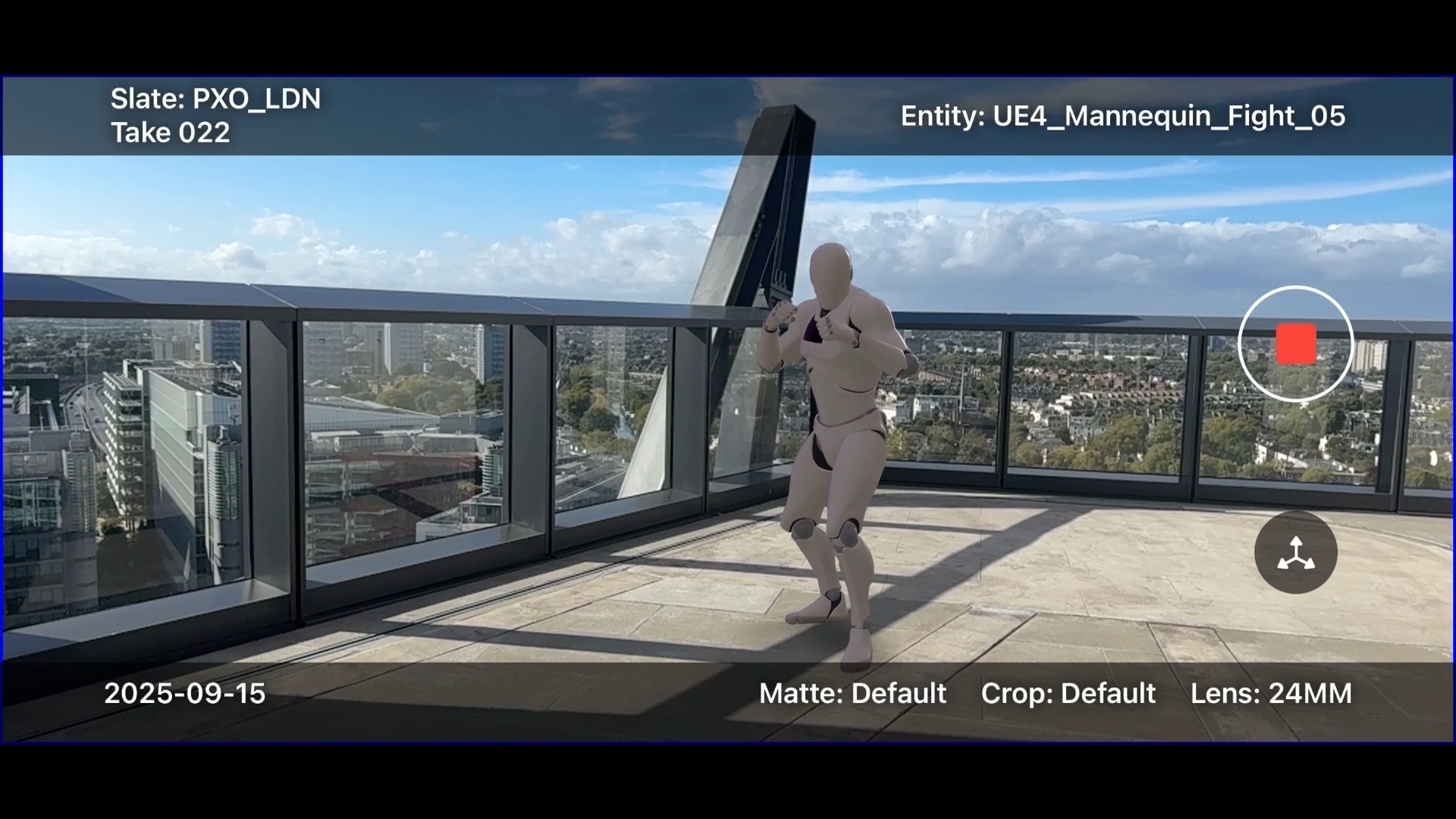
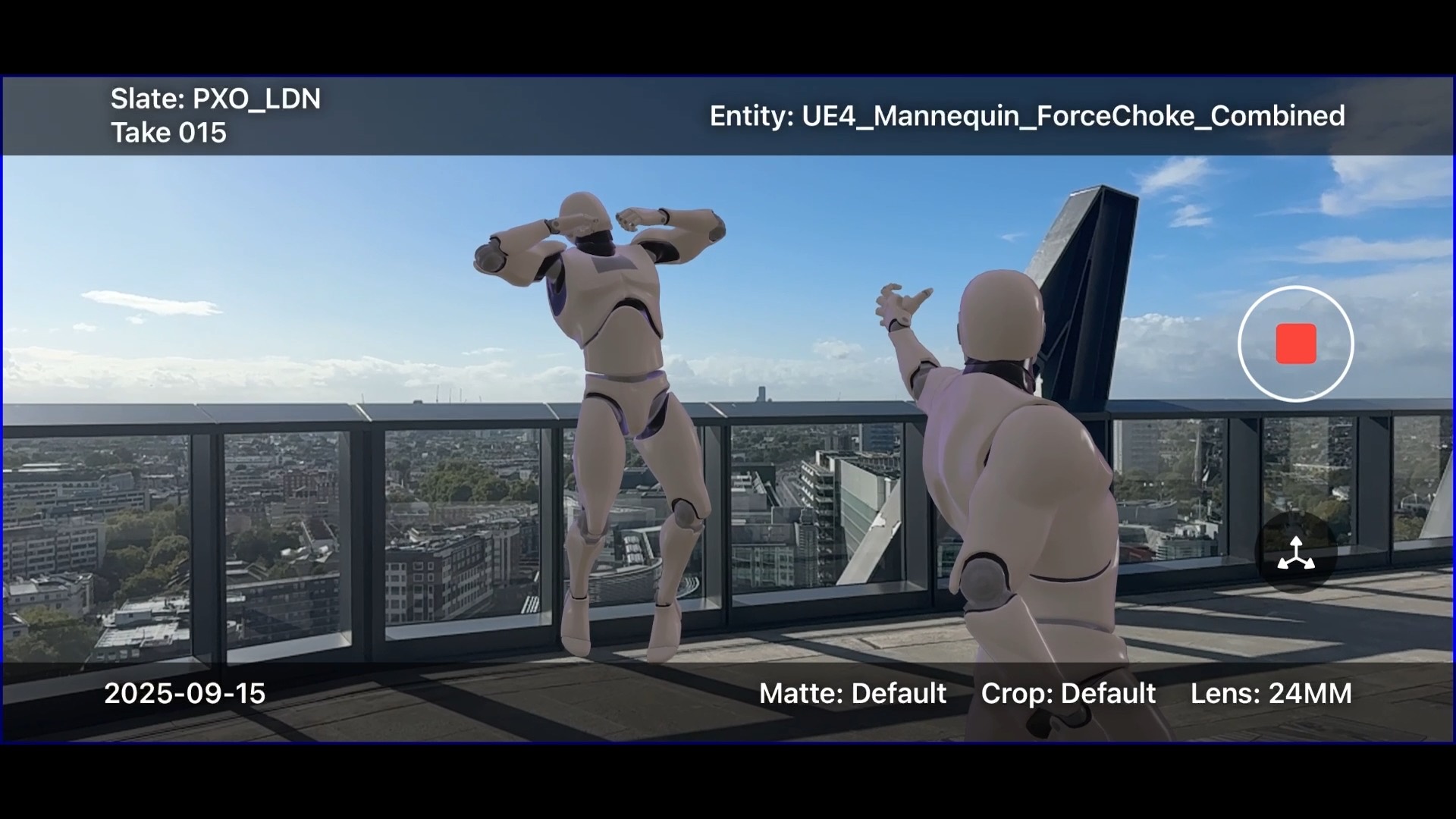
The Innovation Lab pushes at what is possible in filmmaking: Gen AI, Gaussian splatting, augmented reality. My main project there was an augmented reality app for filmmakers, on iPhone and iPad: place the CG in the real location, on the day, and look at the shot before anyone renders it.
It started in Unreal
The first version was built in Unreal Engine, a mix of Blueprint and C++. We kept hitting stability problems with the tracking, and fixing them meant reaching the newest framework Apple had shipped.
Unreal only supports ARKit 4. To get at the current ARKit, version 6 at the time, I had to write Objective-C bridges into Unreal's C++. Long, tedious work. Who wants to be writing Objective-C today?
The interface had the same problem from the other direction. Unreal Motion Graphics (UMG) felt like building a menu system for a video game rather than a mobile app, and CommonUI was no closer.
Why it was rebuilt native
After a few months and a lot of dead ends, we accepted that the only way to use the Apple platform properly was to go native. Every framework becomes available the day it ships, with no bridge to write and nobody else deciding when you get the API, and rendering moves to RealityKit. SwiftUI and Liquid Glass gave it the premium feel the app needed, which matters for something a crew is handed on set.
What it cost in assets
Going native meant dropping FBX, Unreal's preferred format, in favour of USD. Fortunately there is an Unreal plugin that exports assets and animations straight to USD.
For anything more complex I leaned on Reality Composer Pro: placing assets, and checking that materials and textures survived the trip. Hair and fur are still a pain, though they get better with every RealityKit release.
What the app does
- Scan the environment to improve tracking
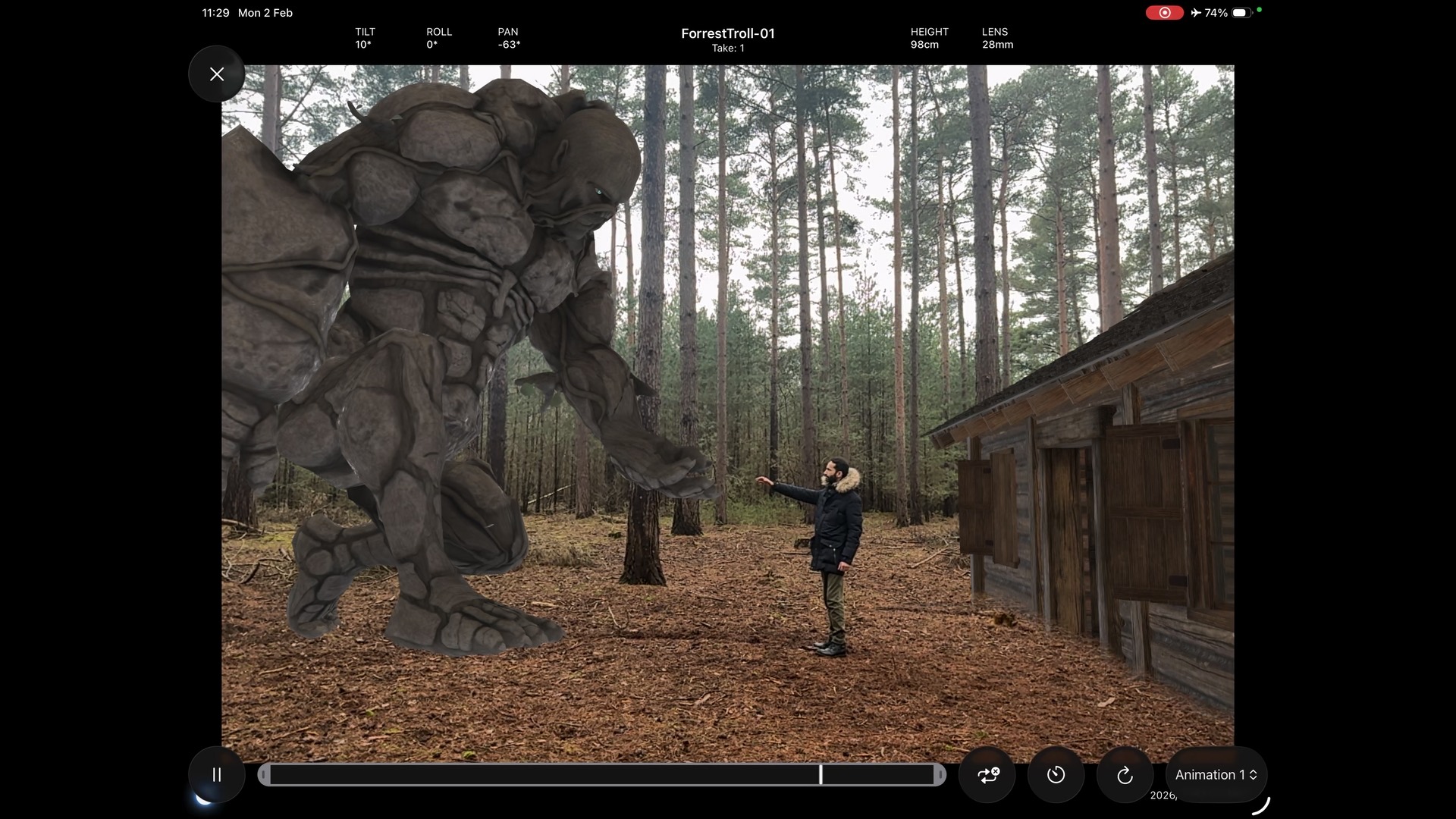
- Place one or several CG assets in a real location
- Play, pause, stop and scrub each animation on a timeline
- Move assets with virtual joysticks, or with gestures
- Record video of the session
- Save the world tracking and every asset position, and restore them later
- Change lens, white balance, tint, shutter speed and exposure duration
- Add blur to the background
- Occlude part of an object
- Import USDZ files from the device, so nobody waits on a conversion
- Record animation from Sony mocopi sensors
It runs on iPhone and iPad with a LiDAR sensor.
The app went to set on House of the Dragon, where it put a live dragon into the shot on location.
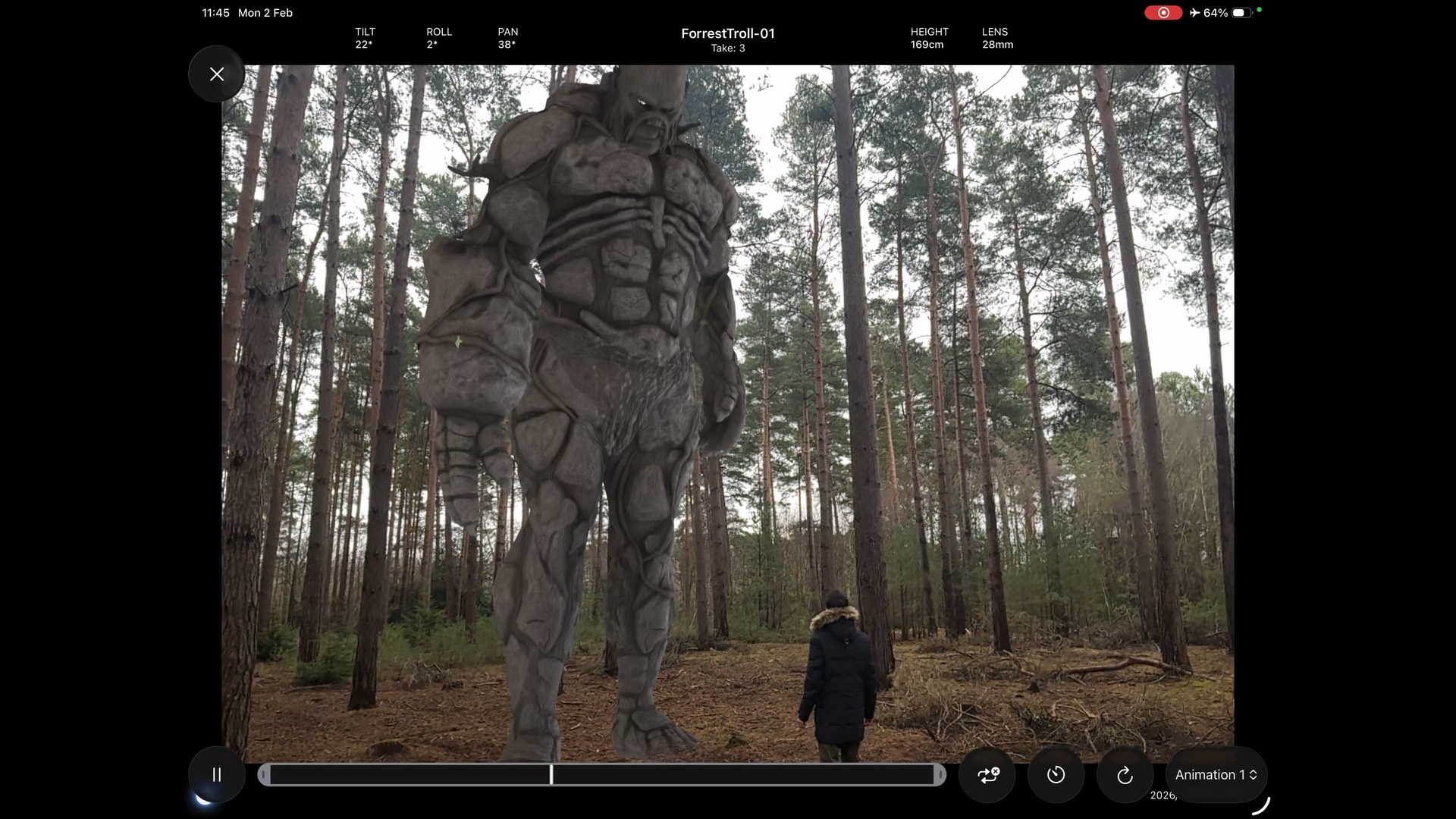
The app running